
How a ZATCA E-Invoicing System Works, Step by Step, in 2026
Many Saudi businesses know they need compliant invoices, but few understand what happens behind the screen when they press “issue”. A modern ZATCA e-invoicing system turns a simple sale into a validated, archived, legally compliant document in seconds. This guide walks through that journey in 2026, from quotation to cleared invoice, and explains why pairing it with good customer support protects your reputation.
By the end you will understand the flow, the formats, and the practical habits that keep audits painless.
What a ZATCA e-invoicing system does behind the scenes
ZATCA, the Zakat, Tax and Customs Authority, requires structured electronic invoices instead of plain PDFs or paper. When you issue a sale, the system performs several tasks automatically.
- It builds the invoice as XML using the UBL 2.1 standard.
- It applies the cryptographic stamp that proves the document is genuine.
- For B2C sales, it adds a QR code that a customer or inspector can scan.
- It submits the document to the Fatoora platform for clearance or reporting.
- It stores a compliant copy in a searchable archive.
VAT stays at 15%. Standard tax invoices for business customers are cleared before you share them. Simplified tax invoices for consumers are reported within 24 hours and carry the QR code.
The two invoice flows compared
| Step | Standard invoice (B2B) | Simplified invoice (B2C) |
|---|---|---|
| Trigger | Approved order or contract | Point-of-sale transaction |
| ZATCA action | Clearance before sending | Reporting within 24 hours |
| Customer copy | After clearance | Immediately, with QR code |
| Buyer tax number | Required | Not usually required |
From quotation to cleared invoice
The cleanest workflow starts long before the invoice. A sales rep sends a quotation, the customer approves it, and the approved figures flow straight into the tax invoice. No re-typing, no mismatched totals.
This matters because most rejected invoices come from bad data, not bad intentions. When the quotation, the order and the invoice share one record, the numbers simply agree. A connected platform also keeps the customer’s history visible, so finance and sales see the same truth.
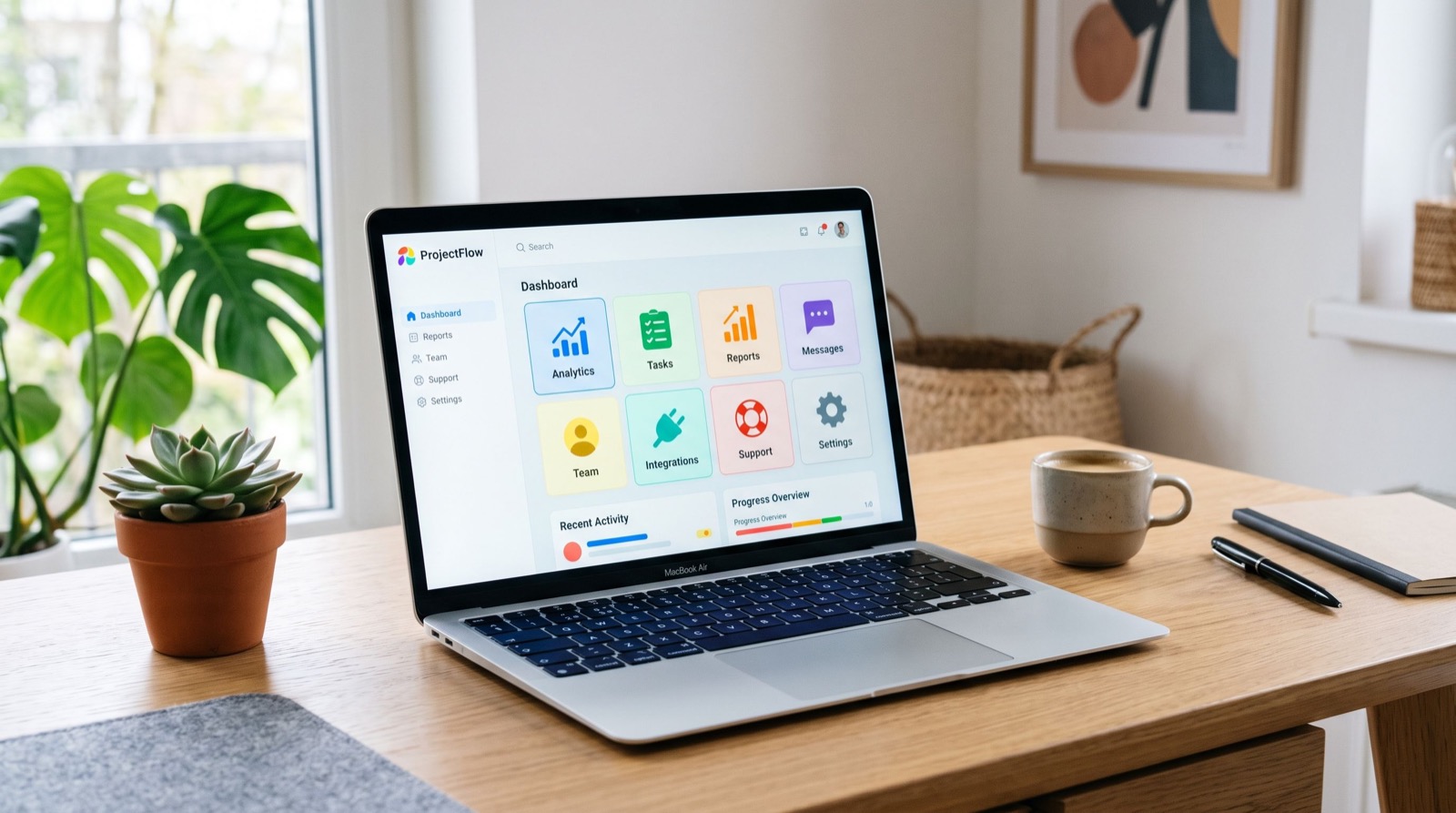
Daftarix helps a business manage customers, quotations, VAT invoices, support tickets, complaints and maintenance requests in one place, which removes the copy-paste gaps that create compliance errors.
Why does e-invoicing need a support desk?
Compliance and customer service are closely linked. When a customer disputes a charge, asks for a corrected invoice, or cannot scan a QR code, your team needs the full context fast. A disconnected inbox cannot deliver that.
Pairing invoicing with a support ticket system means every query is logged, assigned and tracked against the right customer record. The agent sees the invoice, the order and the previous conversations in one view, so the response is accurate and quick.
Practical benefits include:
- Faster resolution because context is already attached to the ticket.
- Clear ownership, so no request slips through the cracks.
- A searchable history that helps during audits and disputes.
- Better customer trust, which drives repeat business.
A simple weekly routine that prevents problems
One original tip from working with Saudi SMEs: run a short Friday review. Match cleared and reported invoices against your sales ledger, check for any rejected documents, and confirm all QR codes printed correctly on B2C receipts. Fifteen minutes a week beats a stressful month-end.
If you are rolling this out for the first time, bring in reliable local experts who understand both the ZATCA rules and your sector, so configuration matches how you actually sell.
What happens when an invoice is rejected?
Rejections are normal during the early weeks, and a good system makes them easy to handle. When the Fatoora platform returns an error, the invoice is flagged with a reason rather than silently failing. Your team then corrects the issue and resubmits.
Common rejection reasons include a missing or invalid buyer tax number, a total that does not match the line items, or a formatting error in the XML. A connected platform catches most of these before submission, because the data comes from validated customer and product records rather than manual entry.
The key is visibility. If you can see a clear queue of pending, cleared and rejected invoices, nothing gets lost. If rejections hide in an email folder, they turn into month-end surprises.
Scaling the workflow as you grow
A system that works for 20 invoices a day should still work at 200. As volume grows, manual steps become bottlenecks, so automation matters more, not less.
Plan for growth with a few principles:
- Keep master data clean, because errors multiply with volume.
- Automate the quotation-to-invoice handoff so staff never re-key totals.
- Use roles and permissions so the right people handle the right steps.
- Review your reconciliation routine quarterly and tighten it as you scale.
When invoicing, customer records and support all share one platform, growth feels smoother. New staff learn one system instead of five, and your reporting stays consistent as the business expands. That consistency is what turns compliance from a chore into a quiet, reliable background process.
Frequently Asked Questions
How long does clearance take in a ZATCA e-invoicing system?
For standard B2B invoices, clearance happens before you share the document with the buyer, usually within seconds when the connection is healthy. Simplified B2C invoices are reported within 24 hours.
What format are the invoices?
Invoices are XML based on UBL 2.1, or a PDF/A-3 with embedded XML, each carrying a cryptographic stamp. For official specifications, consult ZATCA directly.
Do I need a QR code on every invoice?
Simplified B2C invoices must carry a QR code. On standard B2B invoices it is not mandatory in the same way. Check ZATCA’s current wave announcements for your exact obligations.
Can one platform handle invoicing and customer support?
Yes. A connected platform links invoices to customer records and support tickets, so your finance and service teams work from the same information.
Conclusion
A ZATCA e-invoicing system is more than a compliance box. Done well, it ties quotations, invoices and customer support into one trustworthy flow. For authoritative, current rules, use the official ZATCA e-invoicing portal. When you want to see the quotation-to-support workflow end to end, book a demo and bring a real invoice example along.